Classic Arcade
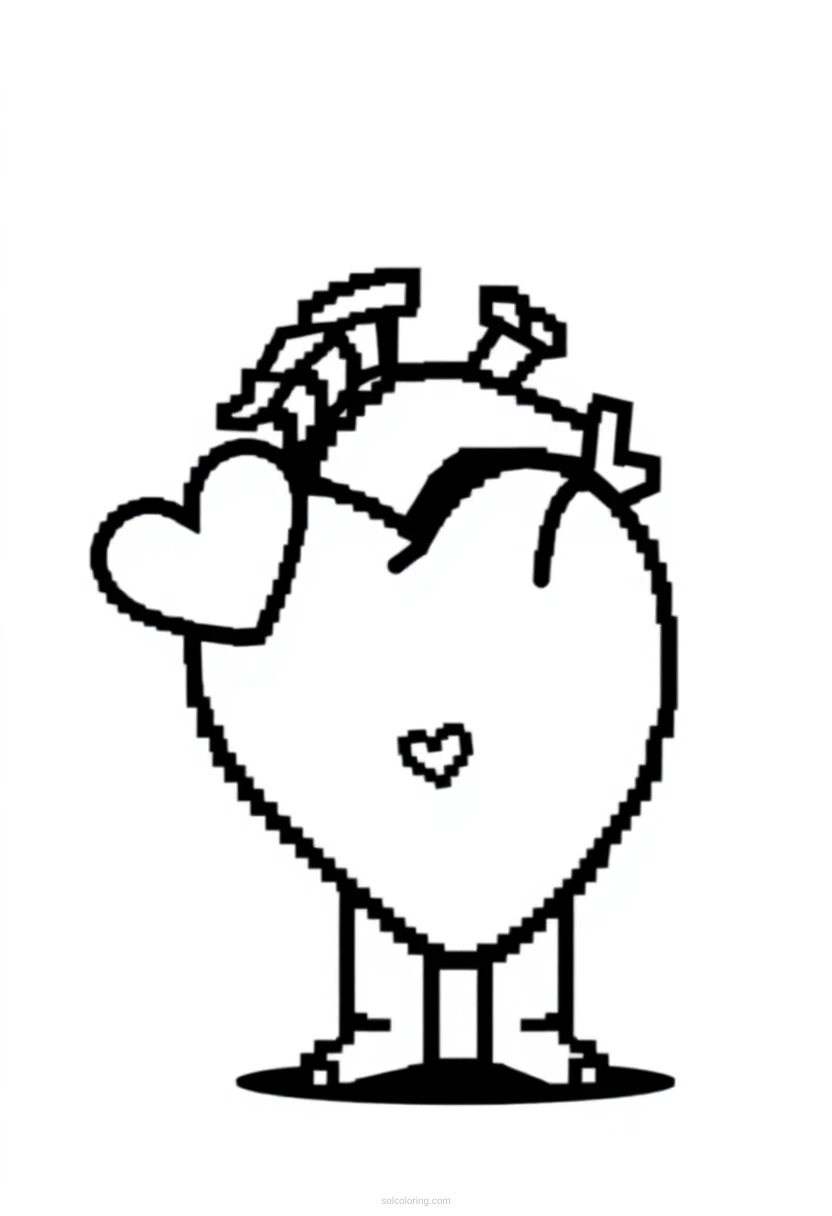
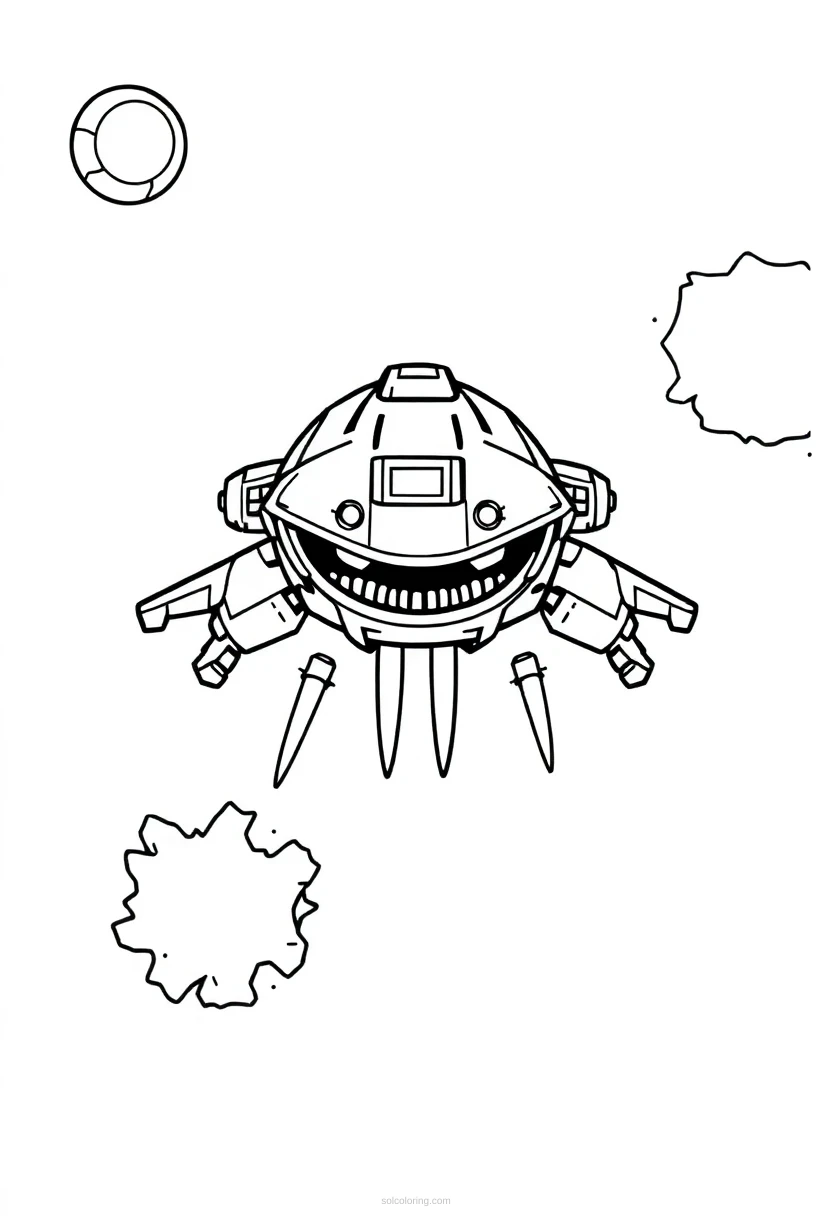
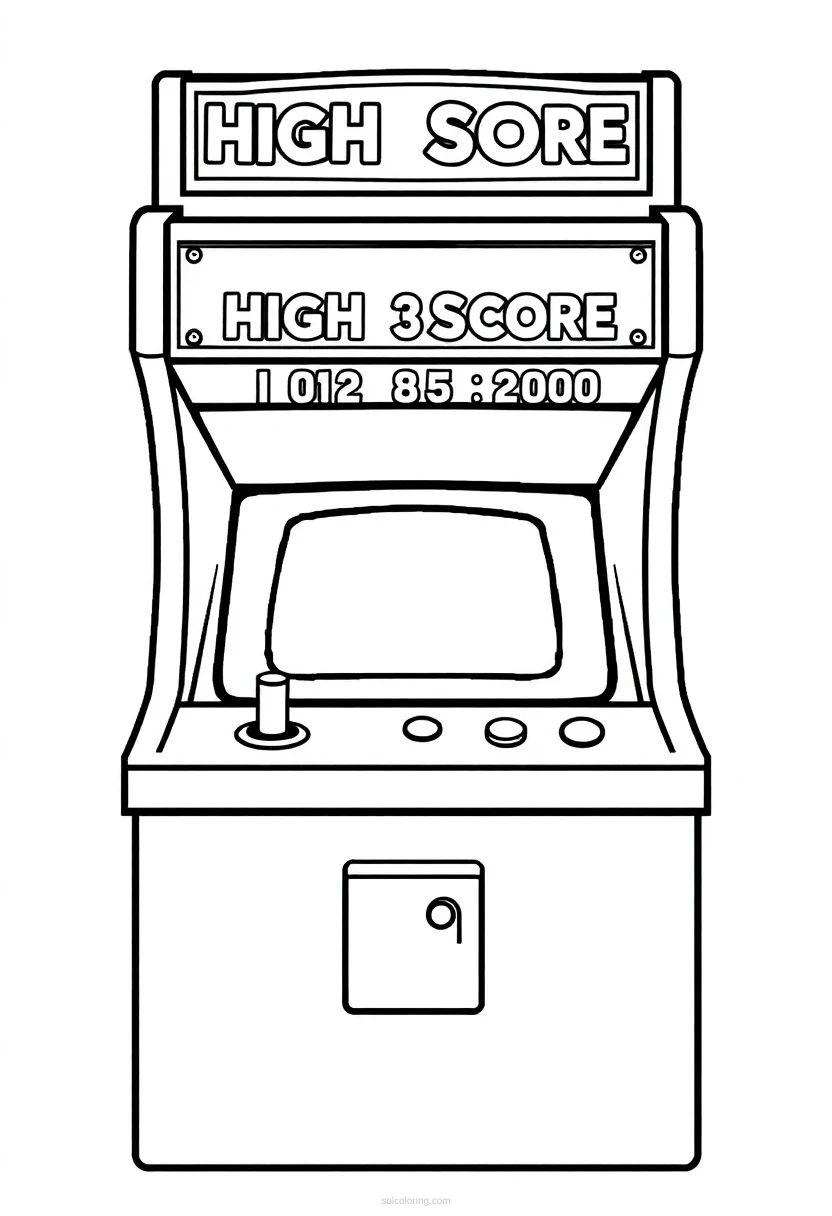
Pixel Art Game Over Screen Coloring Pages
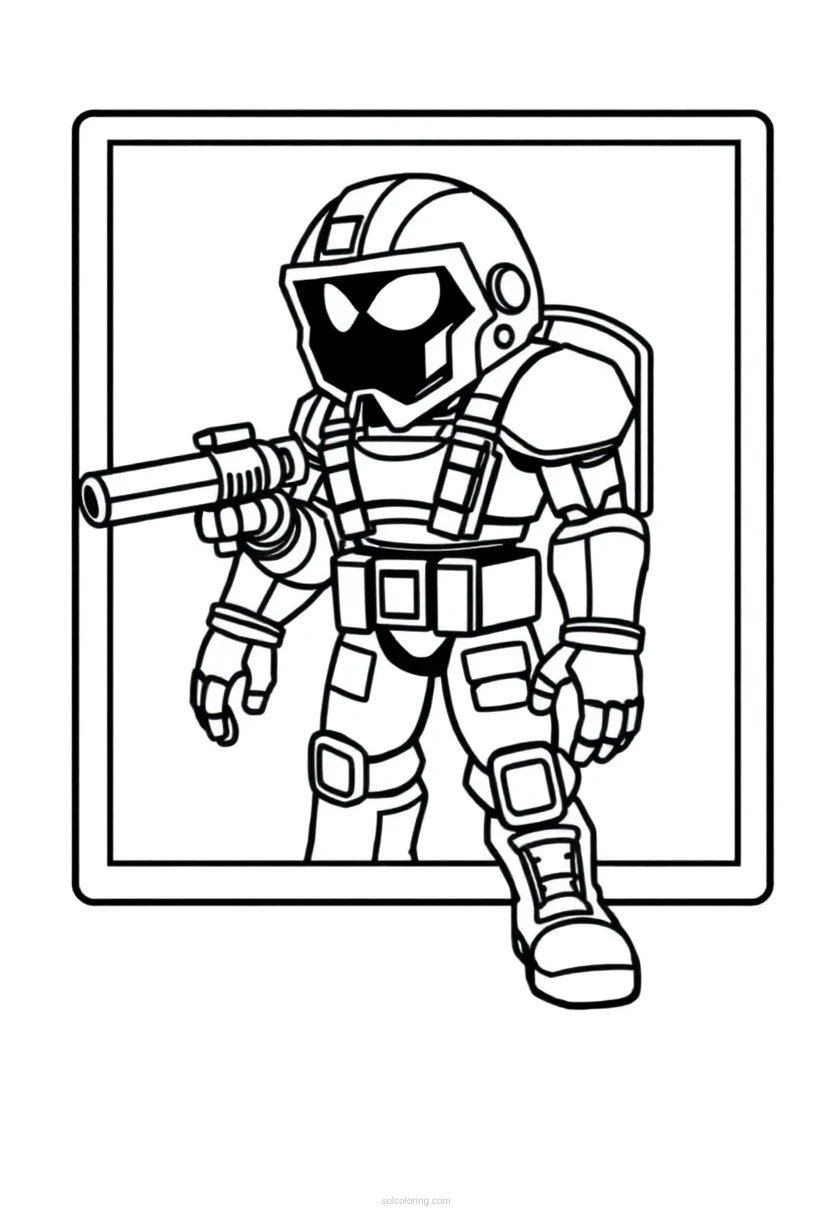
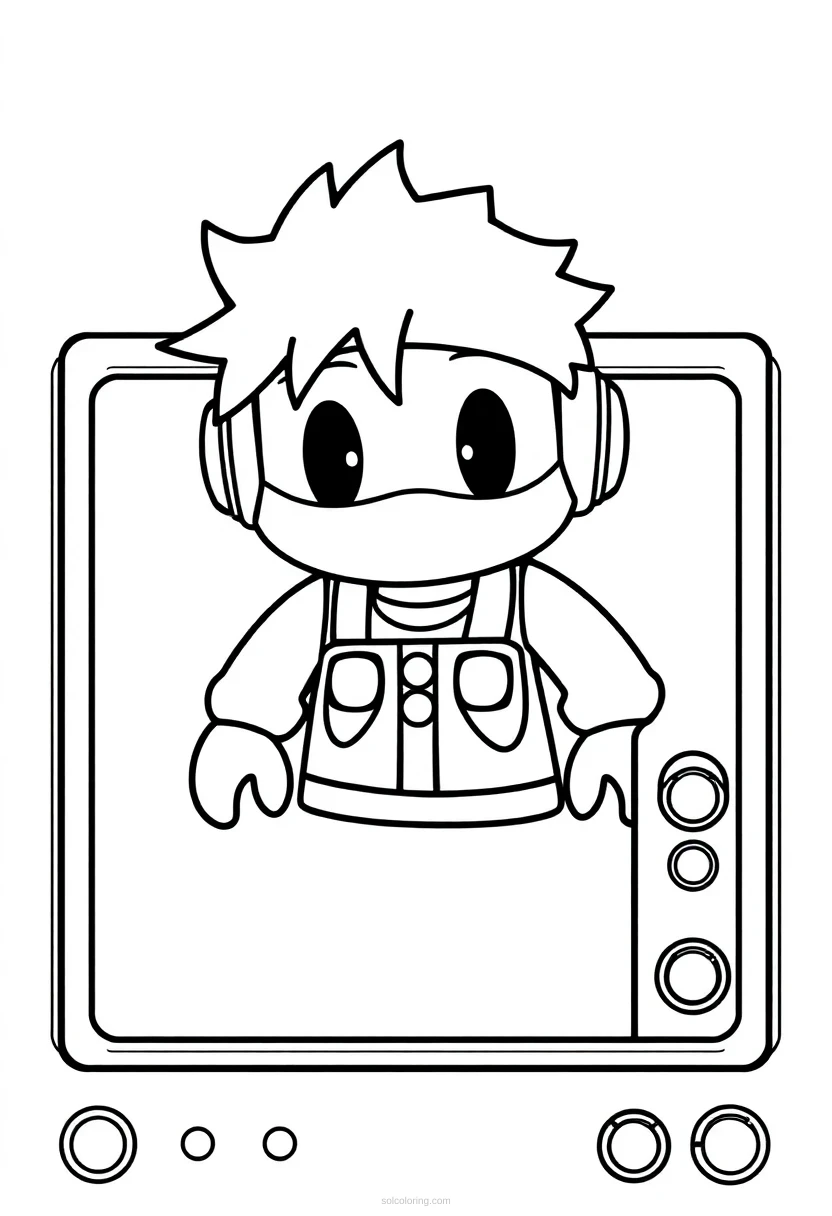
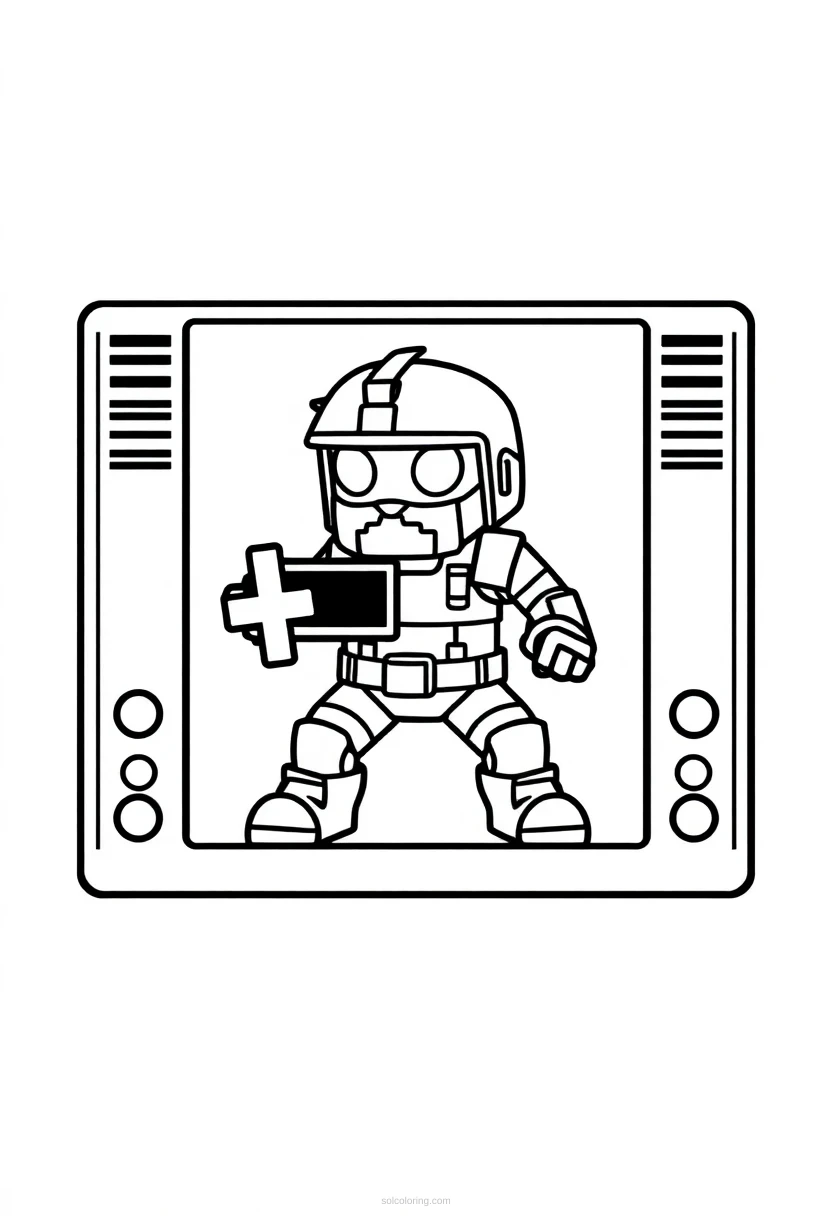
6 free printable designs including Standard, Standard, Standard, Standard and more.
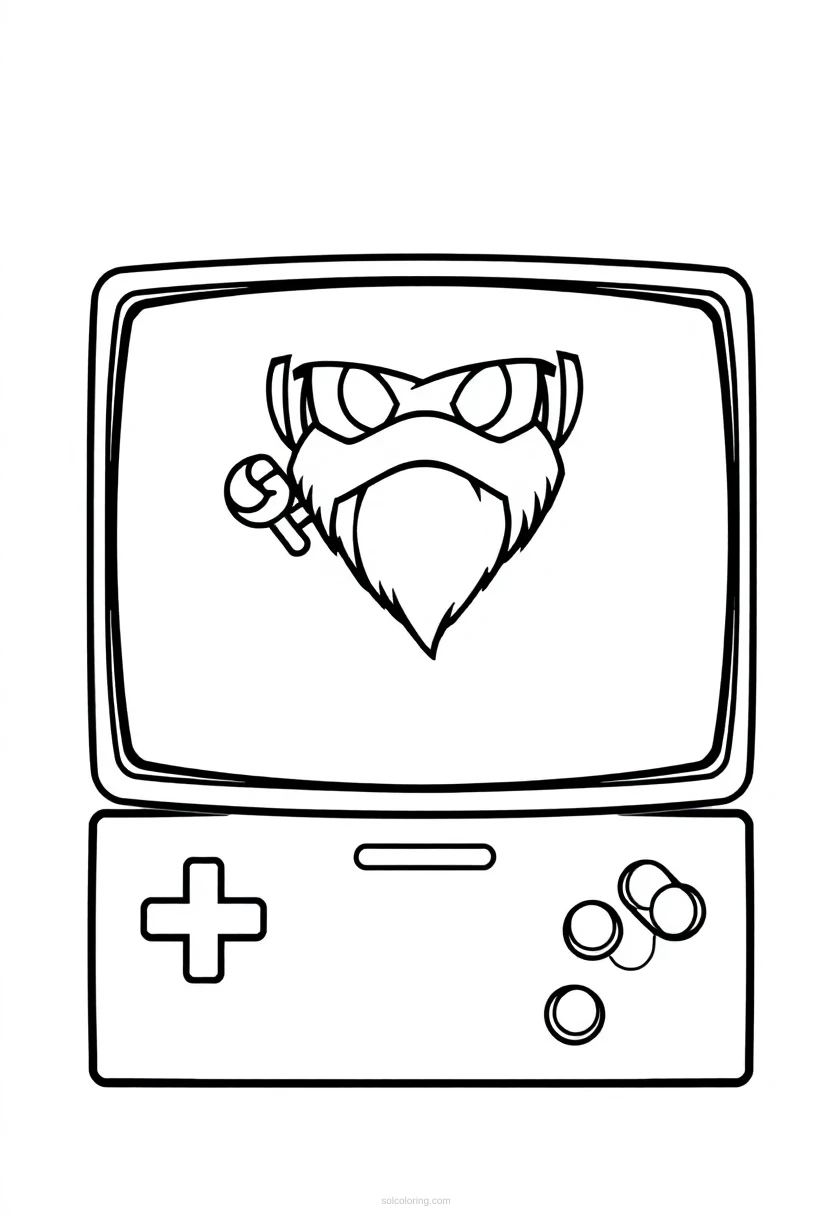
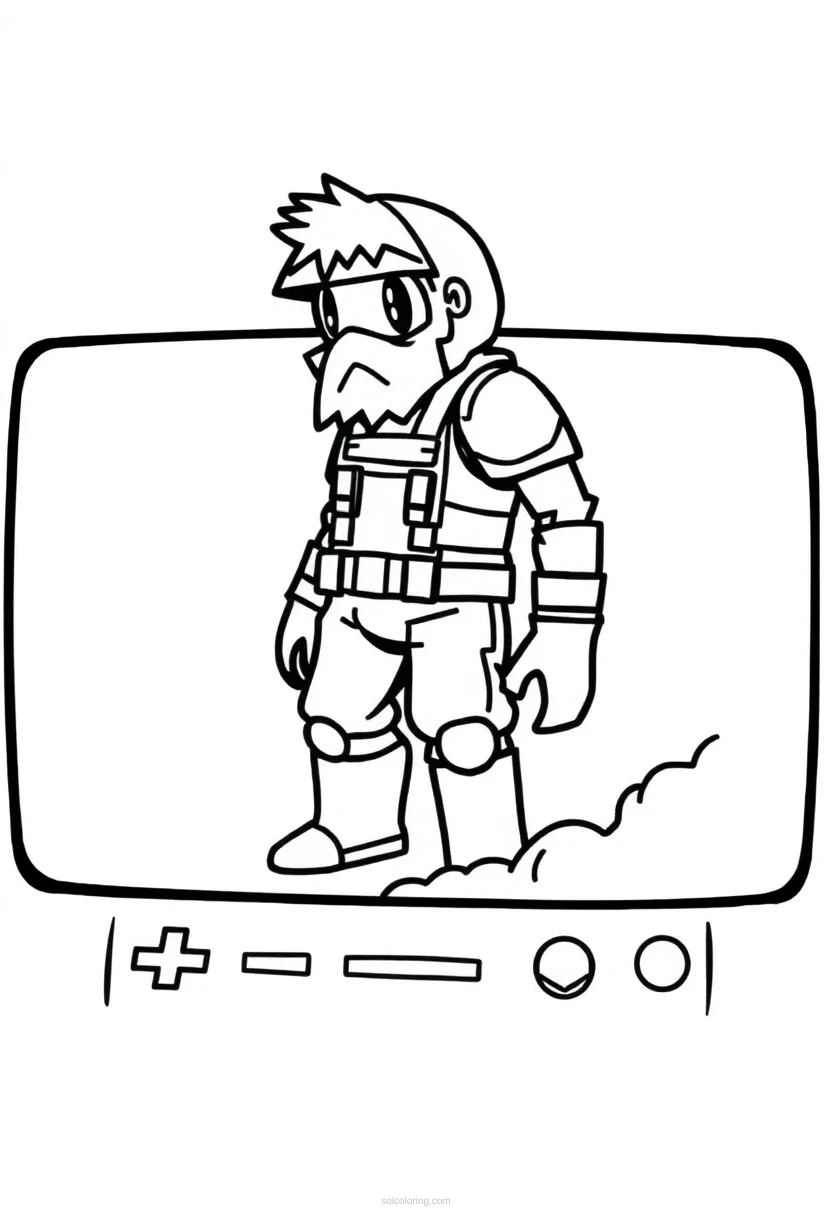
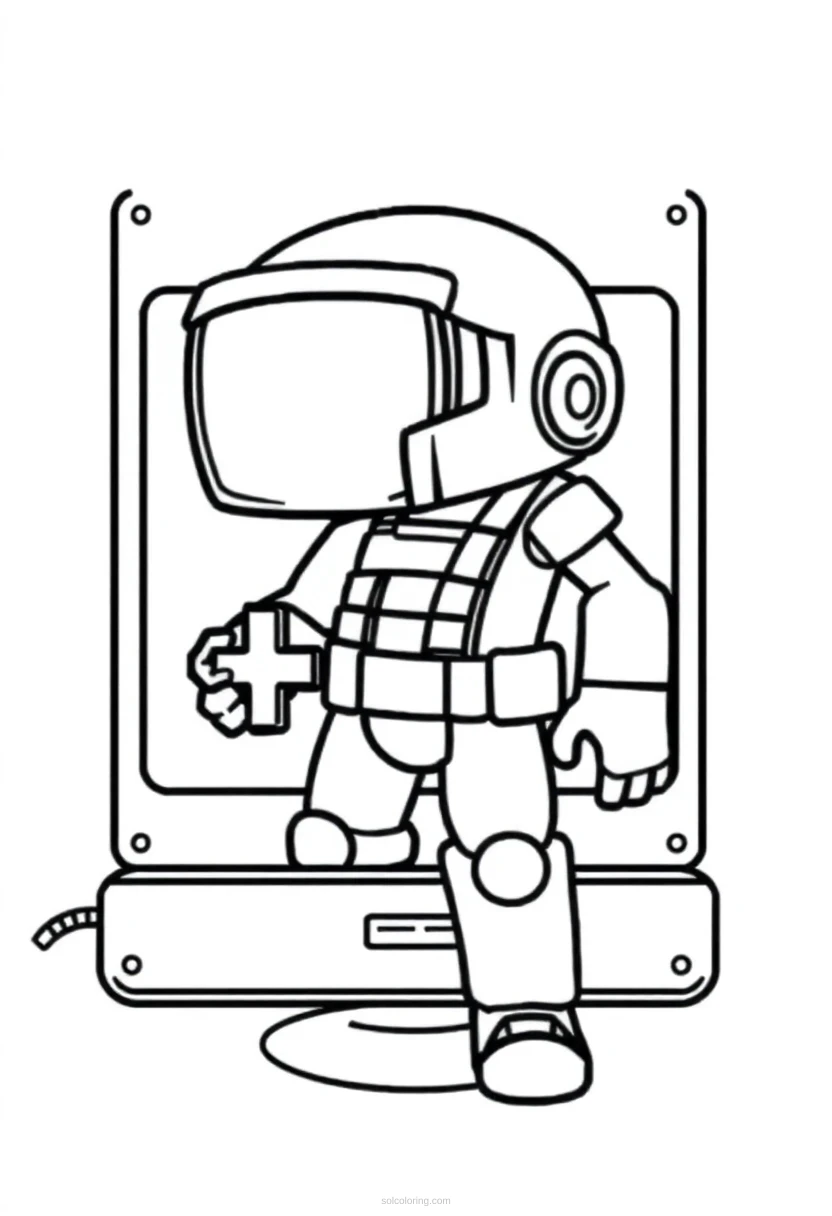
The classic 'Game Over' screen is one of the most iconic images in arcade gaming history. These pixelated messages appeared on countless arcade machines from the 1970s onward, marking the end of a player's journey and often asking for more coins to continue. The chunky, blocky letters were born from technical limitations but became a beloved art form. Today, these retro game over screens represent nostalgia and the golden age of arcade gaming. Our free printable coloring page lets you recreate these classic pixel art designs with your own creative color choices, bringing the arcade experience home.
Read more →Read less ↑
Choose a style
Did you know?
Fun facts about Pixel Art Game Over Screen
The phrase 'Game Over' was borrowed from pinball machines, which used it decades before video games existed.
Some arcade games had secret Game Over messages that only appeared after achieving extremely high scores or meeting special conditions.
The 1981 arcade game Frogger had one of the first animated Game Over screens, showing the frog getting flattened.
Modern speedrunners sometimes compete to see Game Over screens as quickly as possible in challenge runs called 'death%' categories.
The longest Game Over message ever created was in the 1983 game Dragon's Lair, which included a full animated sequence lasting over 10 seconds.
About Pixel Art Game Over Screen
When did the first 'Game Over' message appear in video games?
The first 'Game Over' message appeared in arcade games in the early 1970s. It was originally used to indicate when a player's session ended and they needed to insert more coins to continue playing.
Why do classic arcade games use pixelated text?
Early arcade machines had very limited graphics capabilities, with low resolution displays that could only show blocky, pixelated images. These technical constraints created the distinctive chunky pixel art style we recognize today.
What colors were most common in classic Game Over screens?
Most classic Game Over screens used bright, high-contrast colors like red, yellow, white, and cyan. These colors stood out clearly on dark backgrounds and were easier for the limited color palettes to display.
How did Game Over screens encourage players to keep playing?
Many Game Over screens included countdown timers and 'Continue?' prompts, creating urgency. Some showed teasing messages or displayed high scores to motivate players to insert more coins and try again.
What makes pixel art different from regular digital art?
Pixel art is created by placing individual colored squares (pixels) on a grid, like digital mosaic tiles. Each pixel is deliberately placed, creating sharp edges and a distinctive blocky appearance that's impossible to achieve with smooth digital brushes.
Are Game Over screens still used in modern video games?
Yes! Many modern games include Game Over screens as tributes to classic arcade gaming. Indie games especially embrace retro pixel art styles, keeping this classic gaming tradition alive for new generations.
More Classic Arcade coloring pages
Coloring page FAQs
Are these Pixel Art Game Over Screen coloring pages free?
Yes! All our pixel art game over screen coloring pages are completely free to download and print. No payment or subscription required.
What age are these Pixel Art Game Over Screen coloring pages for?
These coloring pages are perfect for ages 8 to 14, with simple pixel grid patterns that help develop precision and attention to detail.
How do I print these Pixel Art Game Over Screen coloring pages?
Simply download the PDF and print on standard A4 or Letter paper using any home printer. No account signup needed.