
Classic Arcade
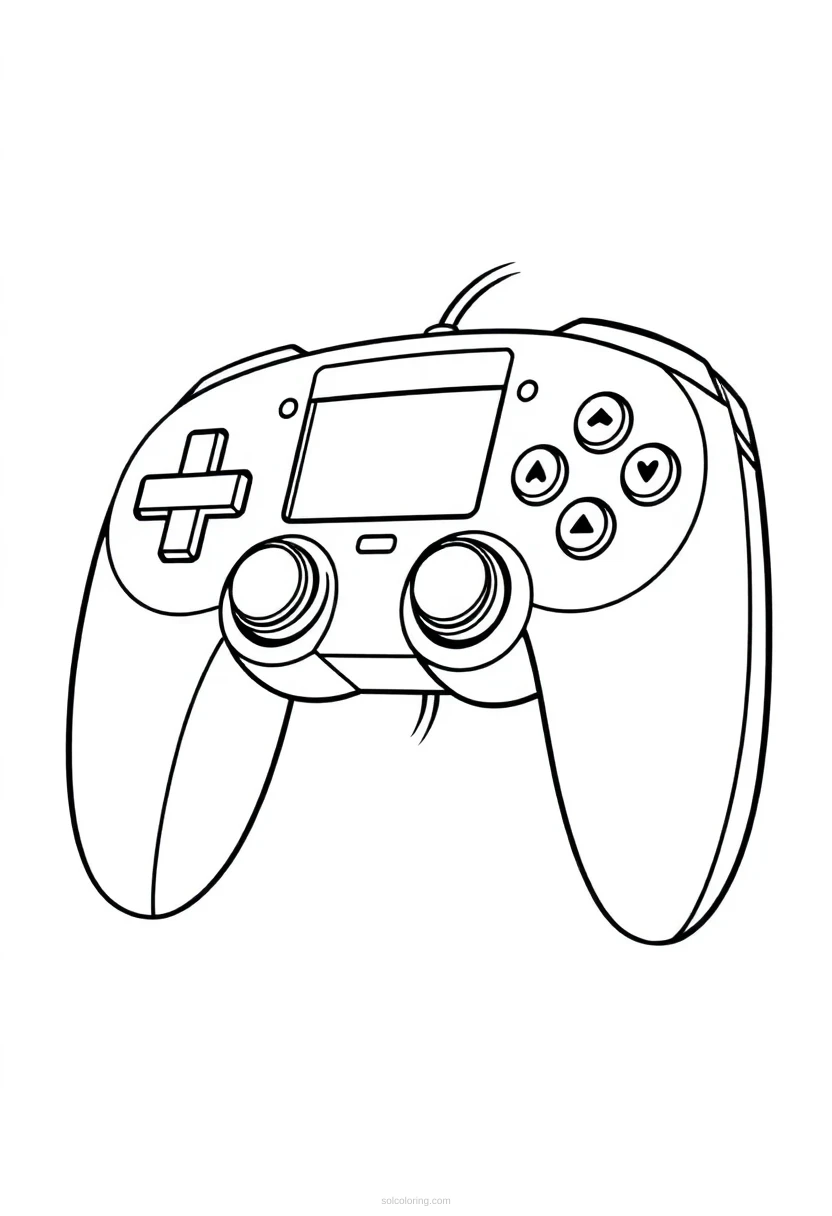
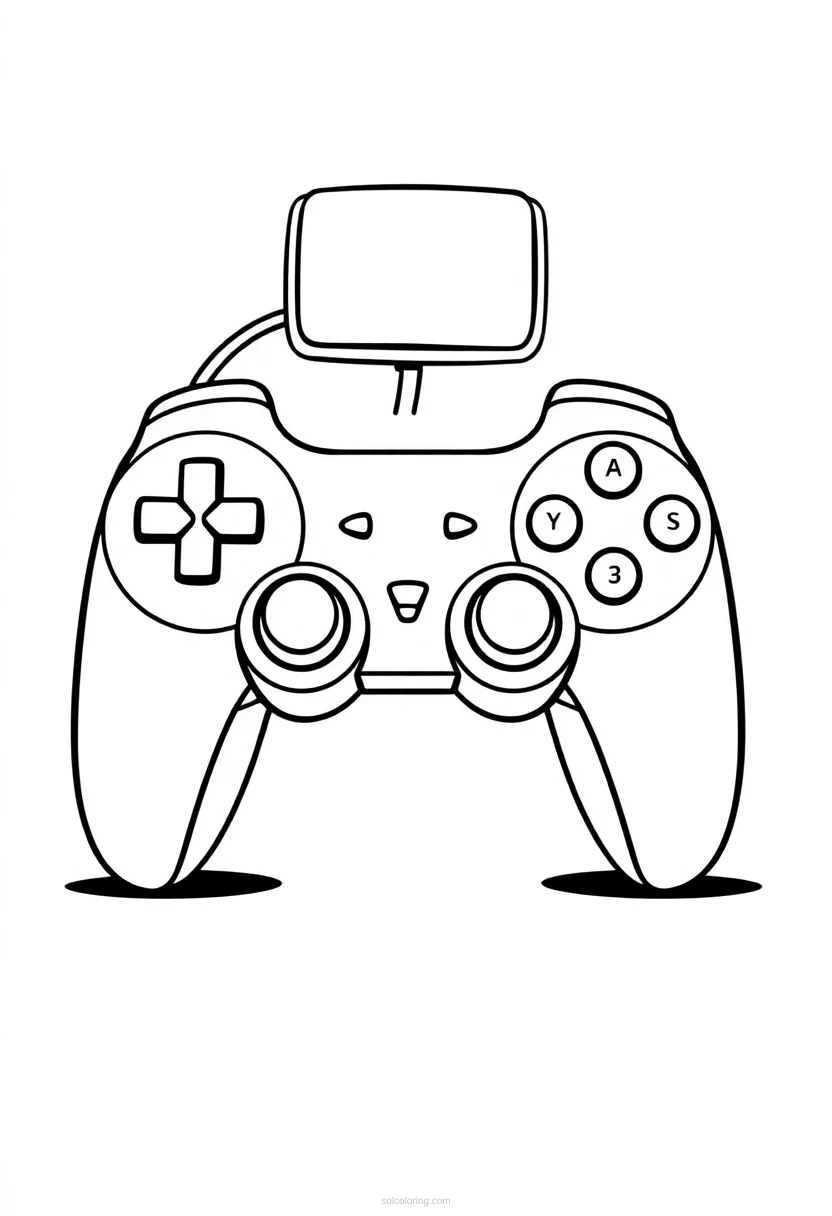
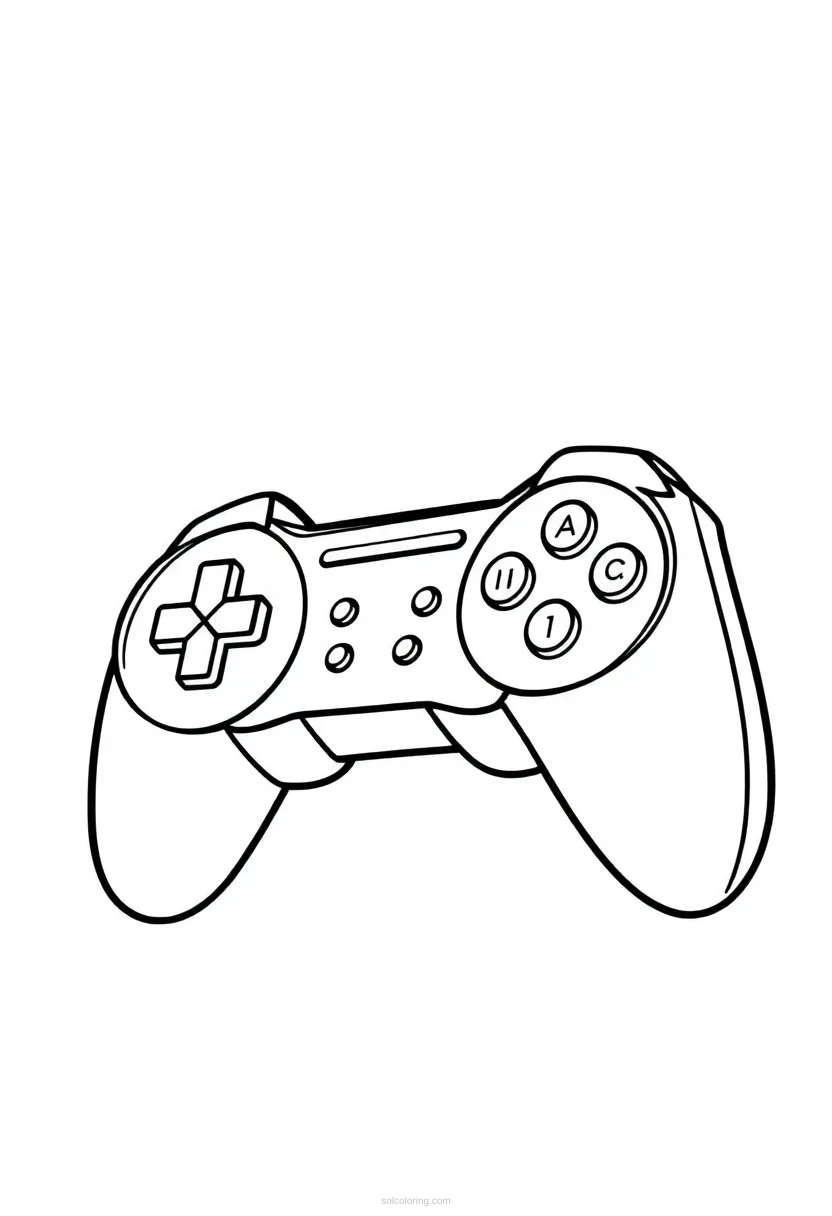
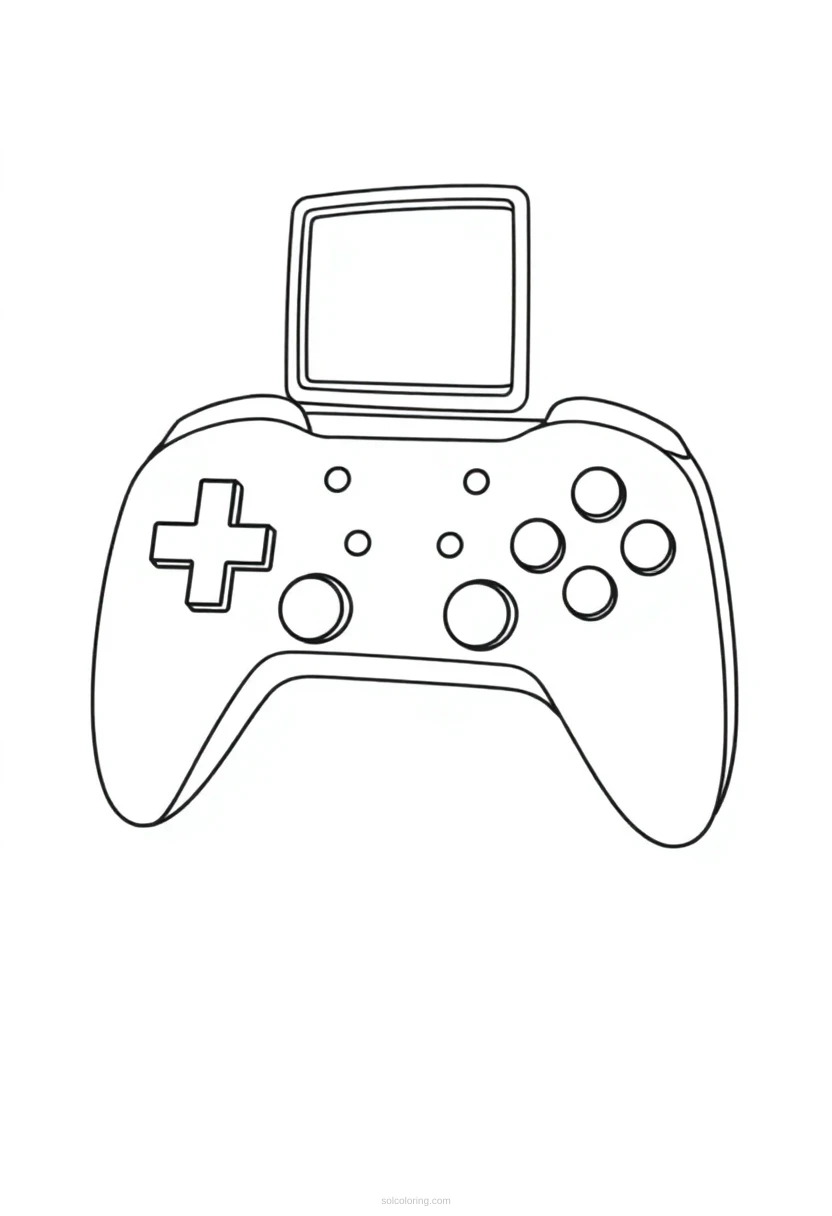
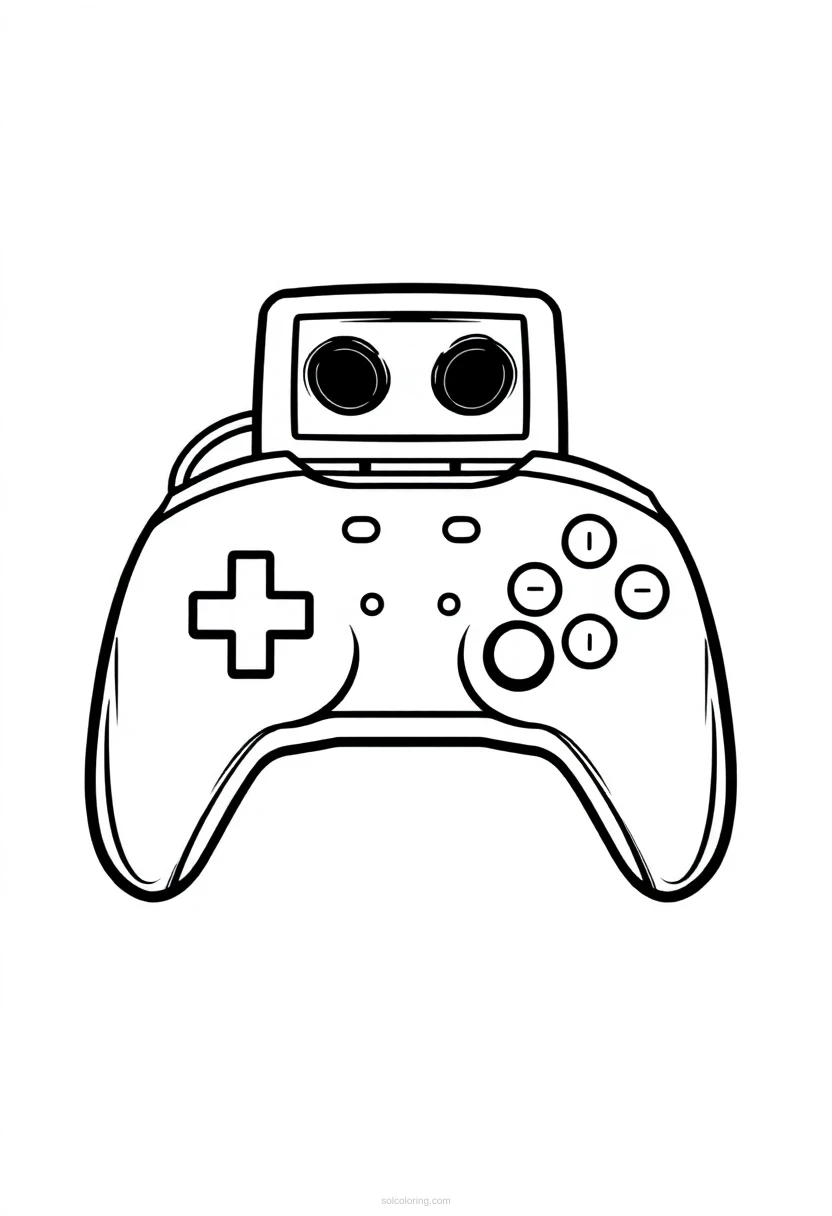
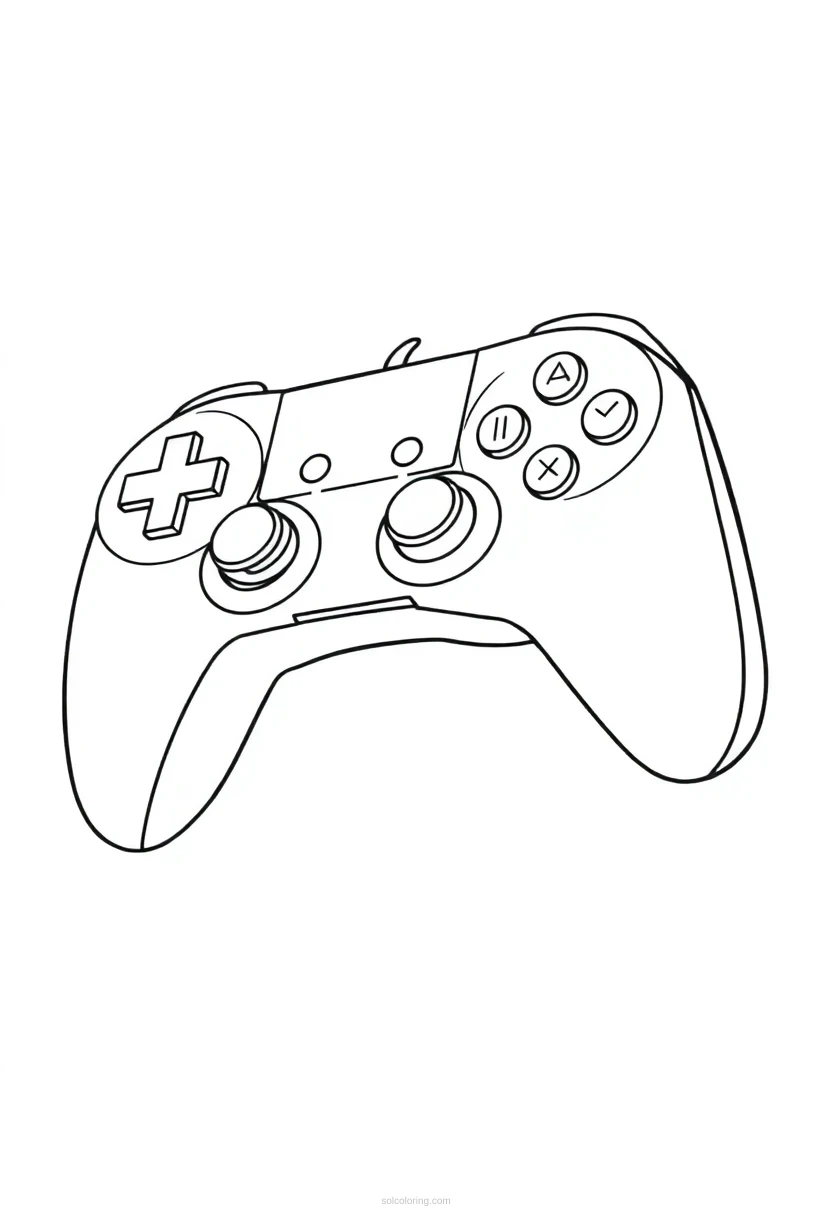
Retro Gaming Controller Coloring Pages
6 free printable designs including Standard, Standard, Standard, Standard and more.
Step back in time with the iconic retro gaming controller, a symbol of classic arcade fun and nostalgic gaming memories. These controllers revolutionized how we played games, from Pac-Man to Street Fighter, connecting millions of players to digital worlds. Our free printable coloring page celebrates this legendary piece of gaming history with detailed pixel art designs that capture the charm of 8-bit and 16-bit era gaming. Whether you're a longtime gamer or discovering retro culture for the first time, this free printable coloring page lets you add your own colors to gaming's most recognizable device.
Read more →Read less ↑
Choose a style
Did you know?
Fun facts about Retro Gaming Controller
The Konami Code (up, up, down, down, left, right, left, right, B, A) originated from 1986's Gradius arcade game and became gaming's most famous cheat code sequence.
Some vintage arcade joysticks cost over $200 today because collectors value original arcade-quality controllers for their superior build quality and feel.
The Nintendo Entertainment System controller cost only about $40 when released in 1985, making it affordable enough for families to own multiple controllers for multiplayer gaming.
Arcade game designers intentionally made buttons loud and buttons stiff to prevent accidental inputs during intense gameplay moments.
The original Game Boy D-pad design was so revolutionary that Nintendo applied for patents on it, establishing it as their defining controller feature for decades.
About Retro Gaming Controller
When did the first arcade game controllers appear?
The first arcade joysticks and buttons emerged in the late 1970s with games like Pong and Space Invaders. Before this, arcade machines used simple buttons or dials. These early controllers were bulky, mechanical devices built from arcade cabinet hardware, designed to withstand constant use in busy game rooms.
How did the D-pad (directional pad) change gaming?
The D-pad, invented by Nintendo engineer Gunpei Yokoi for Game and Watch devices and popularized on the NES controller in 1985, made precise movement much easier than analog joysticks. This four-directional pad became the standard for decades and is still used on controllers today, making it one of gaming's most important inventions.
What made Atari 2600 controllers iconic?
The Atari 2600 controller, released in 1977, featured a single joystick and one red button, making it simple for anyone to use. Its wood-grain appearance and straightforward design became instantly recognizable worldwide. This controller introduced millions of families to home gaming and helped establish the console gaming market.
Why did arcade controllers have such satisfying buttons?
Arcade buttons used mechanical switches that produced audible clicking sounds with firm, tactile feedback. This design prevented accidental button presses and gave players confidence in their inputs. Gaming experts still praise arcade buttons as superior to modern controllers because players could feel every action, making gameplay more responsive and engaging.
How did controllers evolve from arcade to home gaming?
Early home controllers simplified arcade designs to reduce costs and fit smaller spaces. Joysticks replaced arcade sticks, and manufacturers experimented with various layouts. By the 1990s, controllers added analog sticks for 3D gaming, triggering buttons for depth control, and shoulder buttons for additional game functions, gradually matching arcade complexity at home.
What is pixel art and why does retro gaming use it?
Pixel art consists of tiny colored squares arranged to create images, the only way early computers could display graphics due to limited memory and processing power. Retro games like Donkey Kong and The Legend of Zelda used pixel art out of necessity, but the style developed artistic charm and remains beloved today for its nostalgic, charming appearance.
More Classic Arcade coloring pages


Coloring page FAQs
Are these Retro Gaming Controller coloring pages free?
Yes, completely free! All of our retro gaming controller coloring pages are available for instant download and printing at no cost. Simply visit Sol Coloring, select your favorite design, and download the PDF to print at home.
What age are these Retro Gaming Controller coloring pages for?
These coloring pages are designed for ages 8 to 14 and beyond. We offer varying complexity levels, from simple bold outlines for younger children to intricate pixel art details for older kids who enjoy more challenge.
How do I print these Retro Gaming Controller coloring pages?
Printing is easy and requires no signup. Download the PDF file, open it on your computer, and print on standard A4 or Letter size paper using any home printer. Color and enjoy immediately.